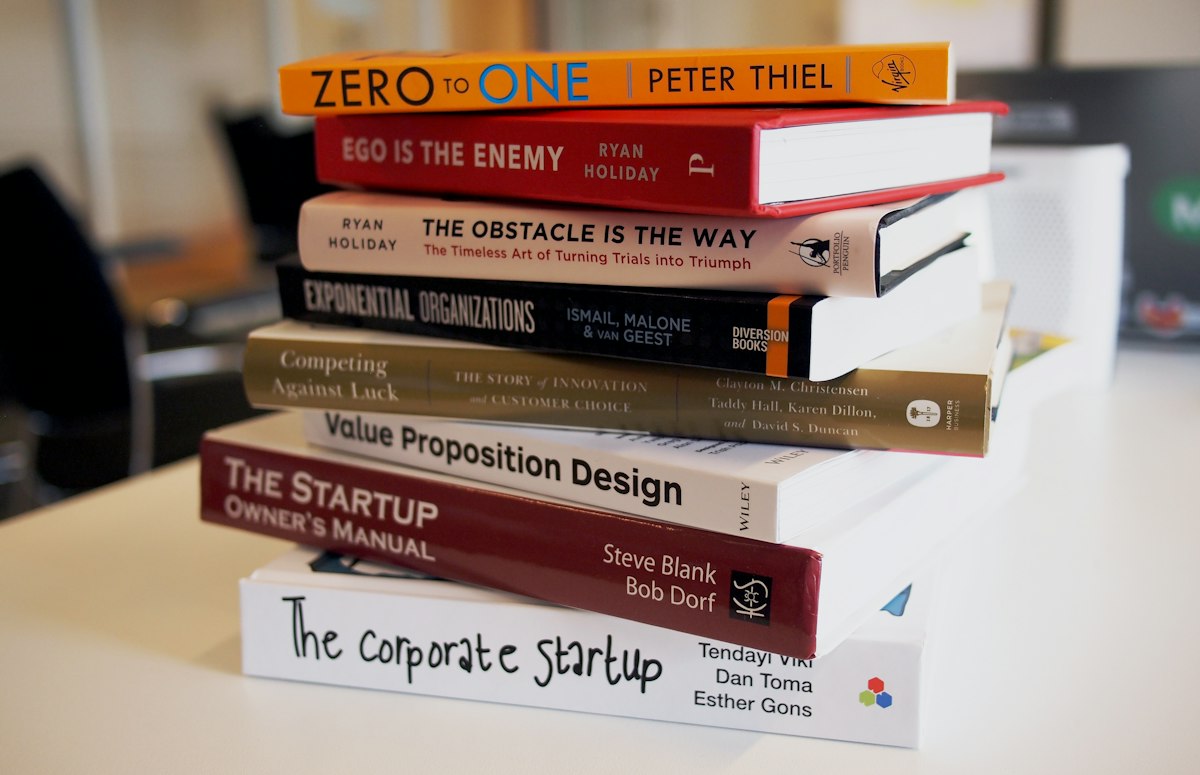
The gap between "writer" and "published author" has arguably never been smaller, thanks to self-publishing. But before your manuscript is ready for Amazon, there's one technical hurdle worth understanding properly: the EPUB format.
Why a PDF Won't Cut It
A common early mistake is trying to sell a book directly as a PDF. The problem is that PDFs are fundamentally "fixed" in their layout. On a compact Kindle screen, a PDF page renders tiny, forcing readers to zoom in and scroll sideways just to get through a single sentence. EPUB, by contrast, is "reflowable." It lets the reader adjust font size and background color freely, and the text automatically reflows to fit whatever screen it lands on. That's exactly why it's become the industry standard rather than an optional nicety.
A Sensible Conversion Workflow
The cleanest path to a polished e-book starts with a properly formatted Word document — using actual "Styles" for your headers rather than manually bolding text — and then converting that through a dedicated tool. Compress any embedded images beforehand using something like easypixelshift.com, since an e-book pushing past 10MB can trigger higher delivery fees on some platforms. Get the formatting right, and your finished book becomes genuinely indistinguishable from something that came out of a major publishing house.